Dependencies
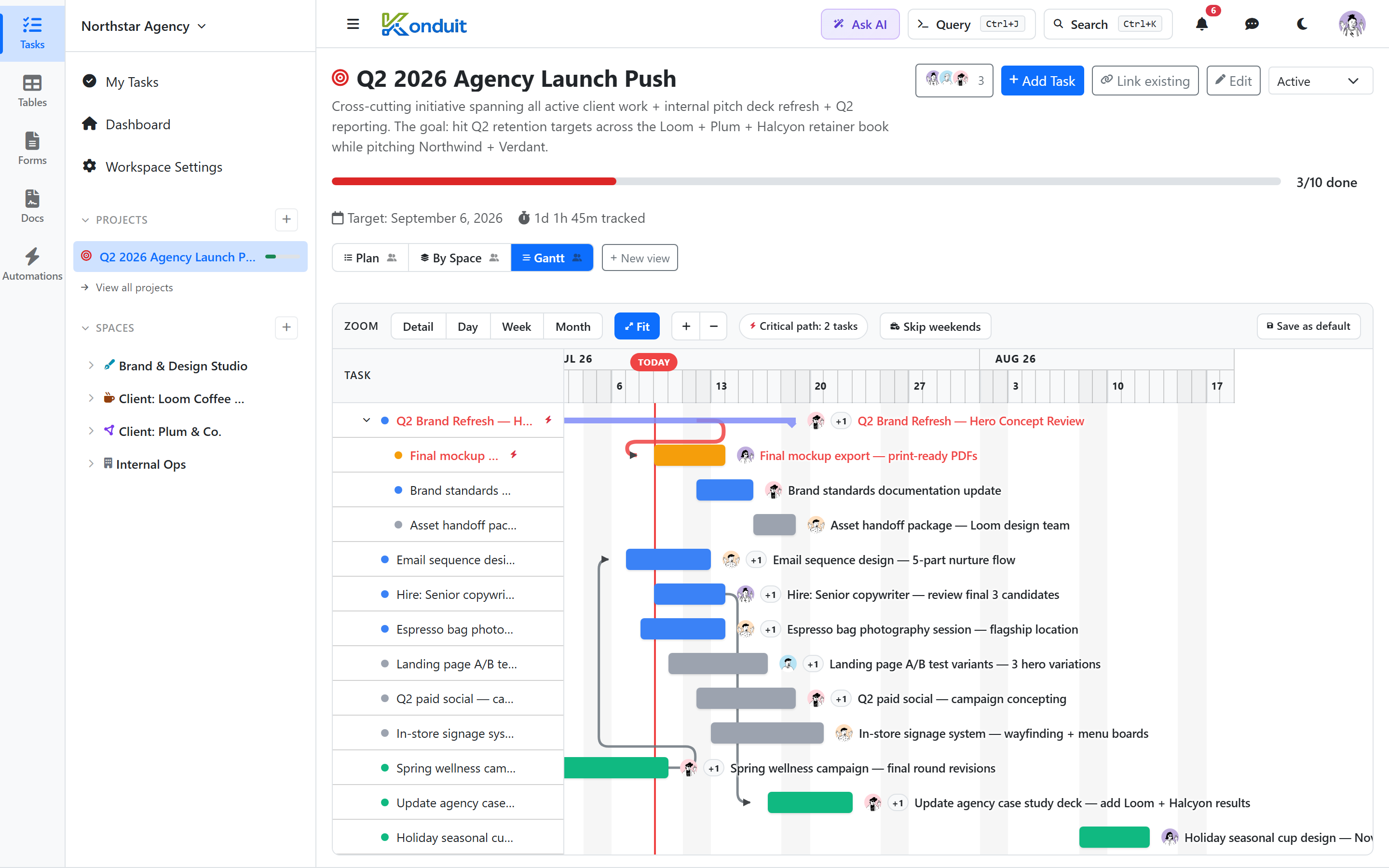
A dependency is a directional link between two tasks: A blocks B means B can't start until A is done. Dependencies show up in the gantt view as connector lines and on each task as Blocking / Blocked by lists.
Creating a dependency
In the task detail, find the Blocked by header and click its Add button, then pick another task — it's added immediately (no Save step). You can only add Blocked by dependencies; the Blocking list is derived automatically from tasks that list this one as a blocker.
The link works both ways — you add it once and both tasks update together.
Direction matters
| Phrase | Meaning |
|---|---|
| A blocks B | B is waiting on A |
| A is blocked by B | A is waiting on B |
In the task detail:
- "Blocking" = tasks this one is holding up
- "Blocked by" = tasks this one is waiting on
Cycle prevention
Konduit blocks a direct reciprocal dependency. If you try to make A block B and B already blocks A, the save is rejected with an error. (Indirect/transitive cycles aren't detected.)
Cross-list dependencies
A task can block or be blocked by tasks in other lists, even other spaces.
Removing
Click the × next to a Blocked by row in the task detail — the Blocking list is read-only, so remove a link from the blocked task's side. Removal is immediate, and the link then disappears from the other task's Blocking list automatically.