Forms
A Form is a publishable page at konduit.work/f/<slug> that captures structured input from anyone (no login required) and creates a task or DataTable row in your workspace on submission.
Common uses: bug report intake, support ticket creation, lead capture, customer onboarding, content requests.
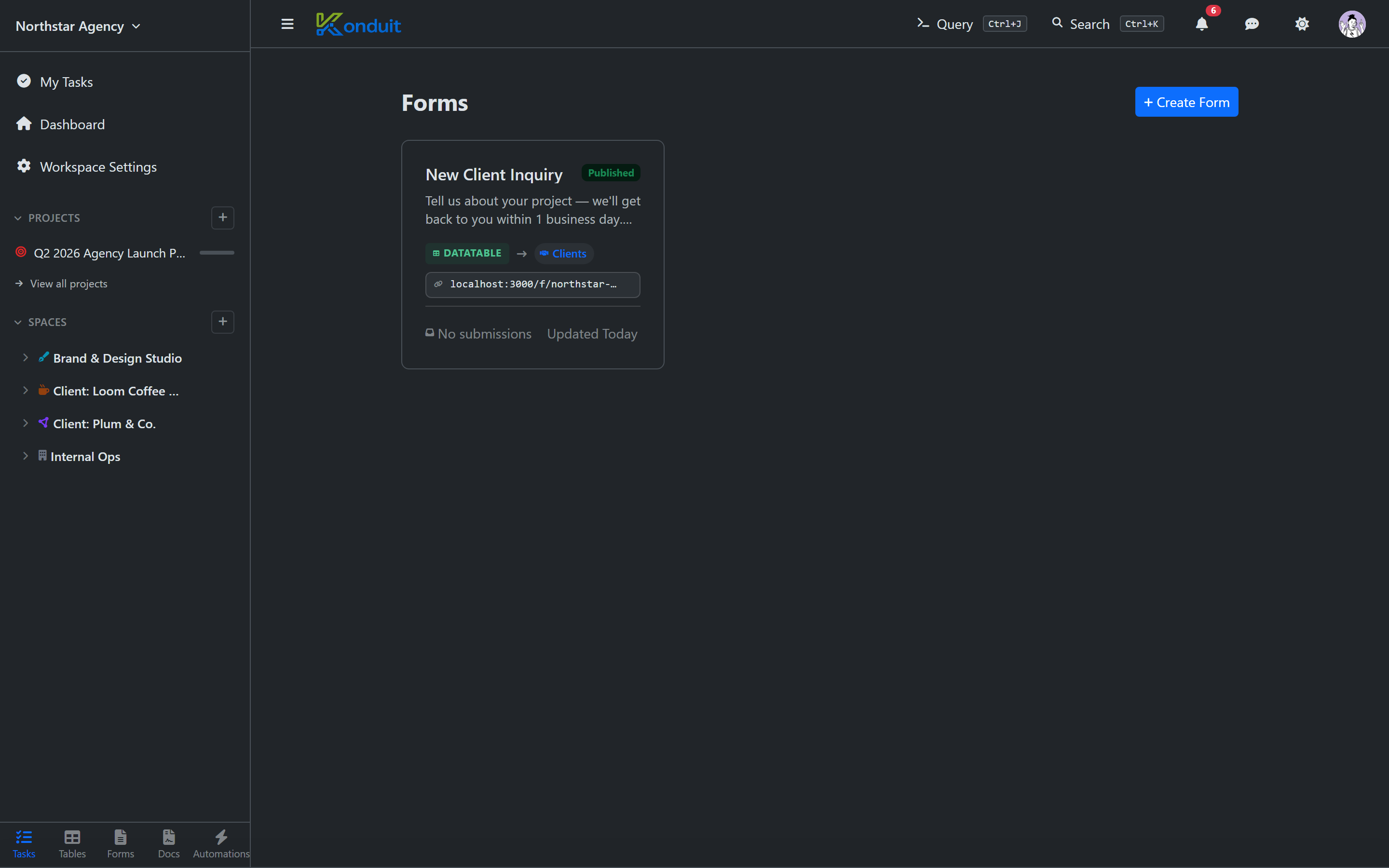
Creating a form
+ → New Form in the sidebar. Configure:
| Name | Internal name |
| Slug | Auto-generated random public URL id — e.g. konduit.work/f/a7xk2p9m3q (assigned for you, not editable) |
| Target | Where submissions land — a list (creates tasks) or a DataTable (creates rows) |
| Fields | Form inputs (each maps to a target field) |
| Settings | Title, branding, success message, redirect URL |
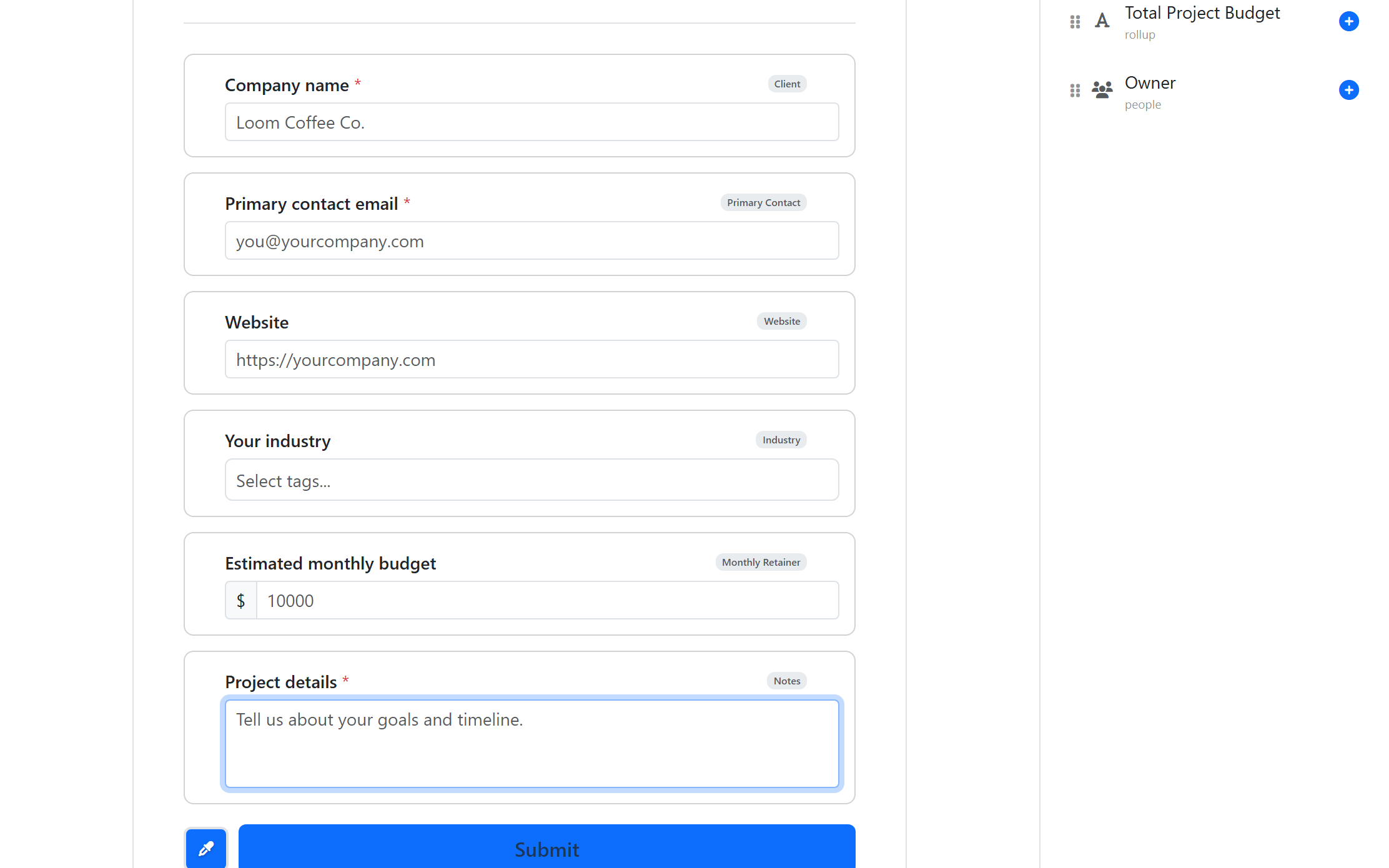
Fields
A form's fields come from the target you chose — the task's system fields plus any custom fields on the list, or the columns of the target DataTable. Add the ones you want to collect, and each input's type follows the underlying field type:
- Text, Long Text, Email, Phone, Link
- Number, Slider, Currency
- Dropdown (single), Tags (multi-select)
- Date
- Checkbox
- File upload (private storage)
There are no form-only elements like date-range, radio, section dividers, headings, or description text — the picker only offers fields that already exist on the target.
Each field maps to a target field — e.g., the form's "Severity" dropdown writes to the target task's "Severity" custom field.
Conditional rules
Conditional form logic is available on Pro and above.
Show or hide fields based on other field values:
"Show 'Customer impact' field only when Severity = High"
Configured per-field in the form builder.
Publishing
Toggle the Published switch and the form is live. Unpublished forms return a 404 on the public URL.
The public URL is unguessable — the slug is a random 10-character id assigned automatically (there's no vanity-slug option). Anyone with the link can submit.
Spam protection
Public forms run automated bot detection in the background. Bot submissions get rejected before they reach your workspace. No visible CAPTCHA — legitimate visitors don't see anything.
Submission management
Open a form → Submissions tab. Filter, search, export to CSV. Click any submission to see what fields were entered and the resulting task / row.
Embedding
Embed the form in your own site:
<iframe src="https://konduit.work/f/a7xk2p9m3q"
        width="100%" height="600" frameborder="0"></iframe>
It's a plain iframe of the public form page. The public form has no surrounding app navigation or branding to hide, so there's no special embed parameter — it renders just the form.
API access
Forms and submissions are read-only via the public API. Form management (create, edit, publish) is UI-only.
Plan limits
| Free | Pro | Business | |
|---|---|---|---|
| Forms | 1 | 10 | Unlimited |
| Submissions / month | 100 | Unlimited | Unlimited |
Conditional rules are Pro and above; removing Konduit branding from public forms is a Business feature. Submission add-on packs are available on paid plans. See pricing.
Next
- Automations — react to form submissions
- DataTables — forms can write to tables, not just tasks