Search
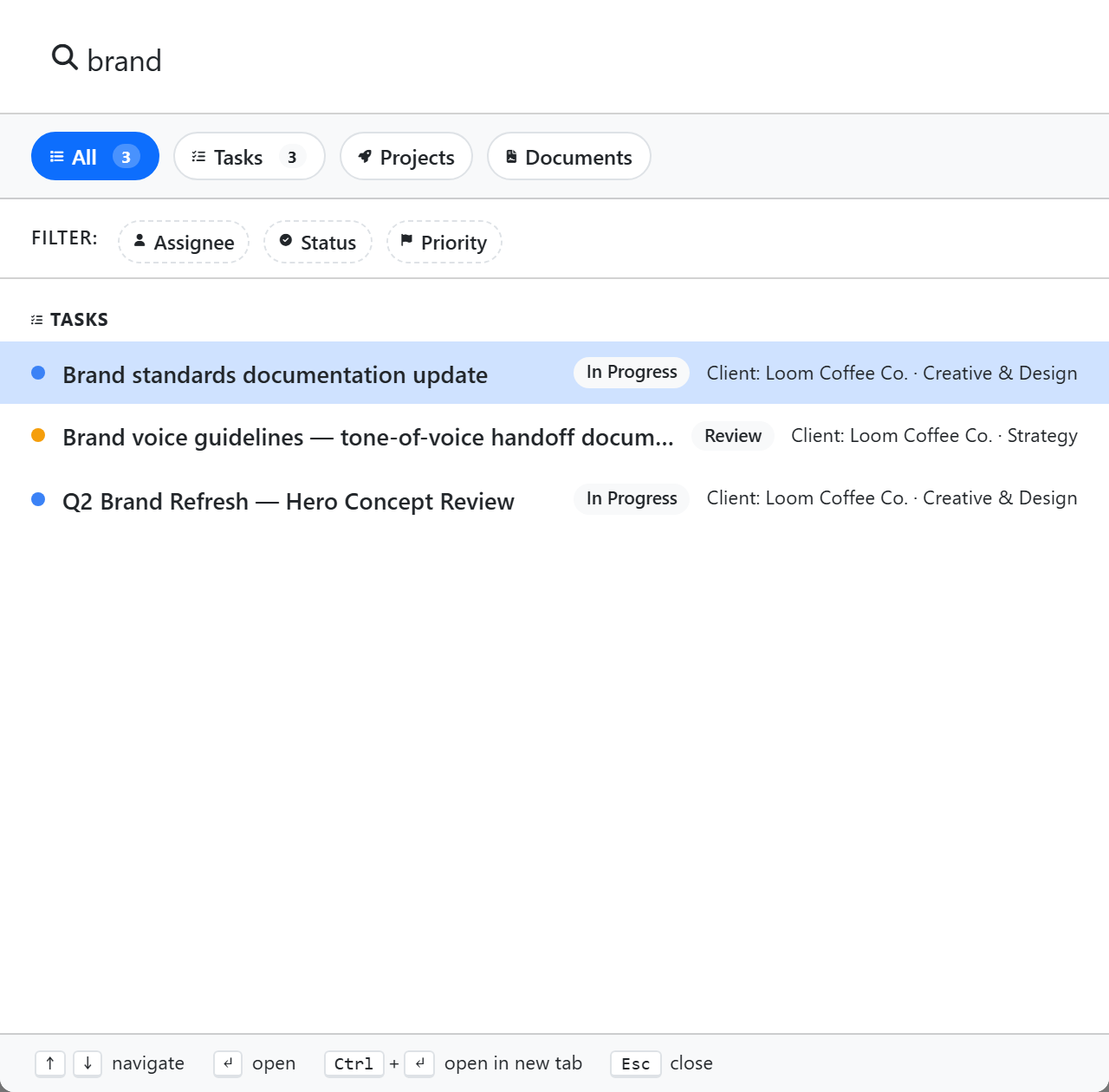
The global Search finds tasks, projects, and document templates across your workspace. Datatables, datatable rows, comments, and dashboards are not searched (rows are deliberately excluded — use the datatable's own filters or the Query Console). Open with Cmd/Ctrl + K from anywhere.
What it searches
| Type | Match against |
|---|---|
| Tasks | Title (and an exact task ID) |
| Projects | Name |
| Document templates | Name, description |
Keyboard shortcut
Cmd/Ctrl + K from any page. Esc to close. ↑ / ↓ to navigate results, Enter to open.
Scoping
Choose a scope with the All / Tasks / Projects / Documents pills at the top of the palette. The only structured filters are task filters — Assignee, Status, and Priority (added as chips). There is no Space/List filter and no date-range filter.
Filters reset each time you open the search palette — they aren't persisted between sessions.
Recent items
With an empty query the palette shows recent items — tasks, projects, and document templates — fetched from the server each time you open it. There's no stored history of past search queries or a frequently-opened list.